



ZUS installs and opens
Use ZUS
The recommended, more modern player app.
WELCOME TO PLIMA4K
Already a member? Set up my deviceMatch nights. Movie nights. Your everyday favourites. Bring live TV, sports, movies and series together on the screens you already love.
50,000+
Live TV channels
200,000+
Movies & series
24/7
Personal support
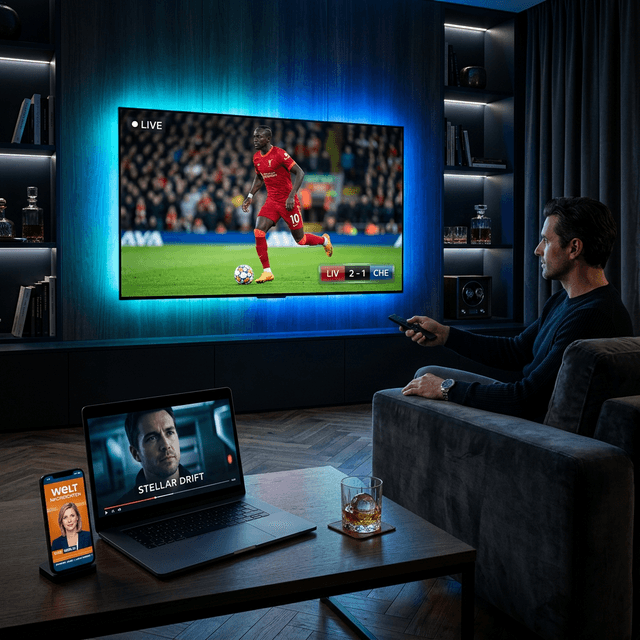
YOUR NEXT GREAT NIGHT IN
Big-screen moments. Small-screen freedom.
On supported content & devices
Personal activation
Usually 5min after confirmation
MORE THAN JUST LIVE TV
From the first whistle to the next episode, explore your entertainment in one place. Choose your plan below, then let us help you get connected.
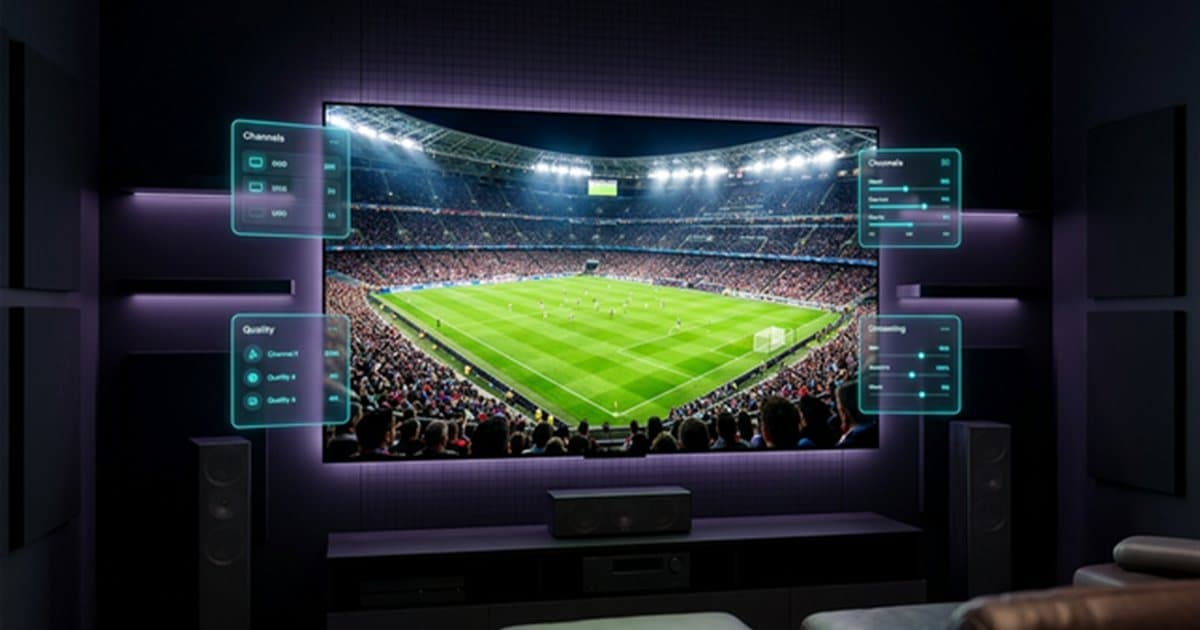 LIVE TV & SPORTS
For the match-day feeling
Follow the action and explore channels from around the world.
For one more episode
Browse films and box sets whenever you’re ready to watch.
For your favourite screen
Smart TV, Fire Stick, Android, Apple devices and more, with a compatible player.
Streaming quality and content availability vary by channel, device and internet connection.
One-time payment, instant setup support, and activation usually within 5-30 minutes after confirmation.
Equivalent value converted from the USD price: US Dollar
Choose your plan duration
12 Months
+1 Month Free
$92.99
$139.39
for 1 device • one-time payment
$7.75 per month — save 42% vs 3-month
24-hour refund request window — eligibility under our refund policy
$179.99
for 1 device • one-time payment
Lowest monthly price
$6.25 per month — save 53% vs 3-month
24-hour refund request window — eligibility under our refund policy
$139.39
for 1 device • one-time payment
$7.75 per month — save 42% vs 3-month
24-hour refund request window — eligibility under our refund policy
$87.11
for 1 device • one-time payment
$9.67 per month — save 27% vs 3-month
24-hour refund request window — eligibility under our refund policy
$63.88
for 1 device • one-time payment
$13.33 per month — full price
24-hour refund request window — eligibility under our refund policy
FROM YOUR FIRST CLICK TO YOUR FIRST STREAM
Here’s exactly what happens after you find your plan. No guessing which app to install or what to send us.
Choose 3, 6, 12 or 24 months. Select the number of devices you want to use and your preferred currency.
Your plan. Your screens.
Add your contact details and preferred payment method at checkout. Follow the WhatsApp confirmation to arrange payment and confirm your order.
A real person to help you
Follow the setup guide below. Install a compatible app, then send the MAC Address and Device Key. Using Smarters? We’ll provide login details instead.
Guided device setup
Our team connects your subscription and helps you get started. Activation is usually completed within 5–30 minutes after confirmation.
Your entertainment is ready
Choose a 12- or 24-month PLIMA4K subscription and we cover the player-app activation as a gift.
Your subscription provides the content access. ZUS PLAYER and CAP PLAYER are separate, paid third-party apps. On other plans, their license is paid separately; IPTV Smarters Pro is a free player alternative.
Understand player apps & feesTalk to our team before you order or while setting up.
ALREADY HAVE YOUR SUBSCRIPTION?
Your device-by-device setup guide starts right below.
Choose your device, try ZUS PLAYER first, and use CAP PLAYER if ZUS is not compatible. We’ll guide you through every click.

One subscription. Your favorite screen.
Try firstZUS PLAYER Reliable fallbackCAP PLAYER
01
We’ll show the compatible player.
02
Start with ZUS; use CAP if needed.
03
Share the MAC Address and Device Key.
04
We activate it and get you connected.
Good to know: ZUS PLAYER, CAP PLAYER, and IPTV Smarters Pro are third-party media players. They do not include channels or movies. Your PLIMA4K subscription supplies the access that the player displays.
If ZUS does not appear, install, or open on your device, simply use CAP PLAYER instead.
ZUS installs and opens
The recommended, more modern player app.
ZUS is not compatible
The reliable fallback with wider device support.
Know what to look for
So you install the correct app.
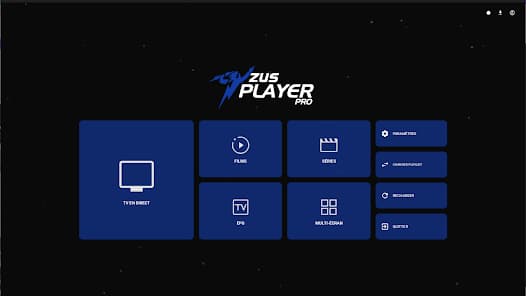 ZUS PLAYERWelcome screen
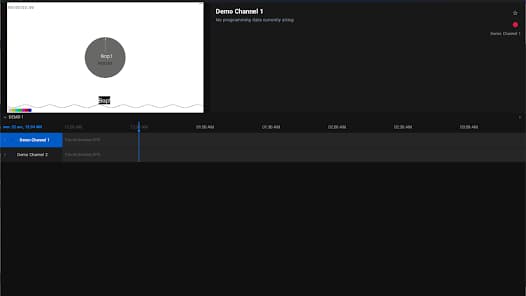 ZUS PLAYERPlayer library
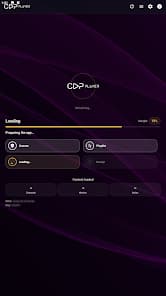 CAP PLAYERWelcome screen
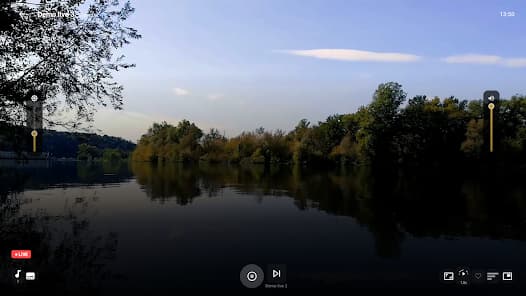 CAP PLAYERPlayback view
No separate player activation is needed. It is older and slower, but it works for basic viewing.
Choose your device. You’ll see only the relevant downloads, codes, and steps — without the clutter.
Selected device
Your recommendation: Install ZUS PLAYER first. Use CAP PLAYER only if ZUS cannot be installed or opened.
Choose Google Play for the easiest installation. If the app is not available there, use the official APK.
For APK installation, you may need to allow “Install unknown apps” in your device settings.
Use CAP if ZUS cannot be installed or opened on your Android device.
Open the player. The first screen will show your MAC Address and Device Key. Send us one screenshot showing both details — we’ll take care of the rest.
Using IPTV Smarters Pro? We’ll send Xtream Codes or M3U login details instead.
Device information
MAC Address
00:1A:••:••:4F
Device Key
•••• 9342
Think of the player app like a television: it displays the picture, but it does not supply the channels. Your PLIMA4K subscription supplies the access; the app plays it on your device.

Important: PLIMA4K does not own ZUS PLAYER or CAP PLAYER and is not affiliated with either app.
🎁 Your bonus
With a 12- or 24-month PLIMA4K subscription, we cover the player-app activation as a gift.
ZUS PLAYER and CAP PLAYER are paid third-party apps. We do not own them and are not affiliated with them. Their app activation is paid separately from your PLIMA4K subscription.
If you need help paying the ZUS activation fee, we can pay it on your behalf and you can reimburse us using the payment method used earlier. This also lets us help transfer the activation to a new TV or another device later, so you do not pay twice.
Free alternative: IPTV Smarters Pro needs no separate player activation, but it is older and slower.
Send a clear screenshot showing the MAC Address and Device Key. Our team will connect and activate your device as quickly as possible.